
Step 1: Open the Relevant Vacancy
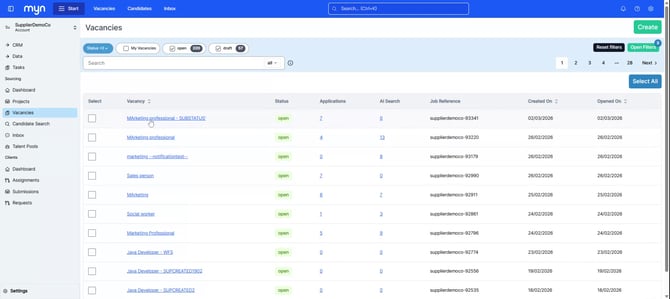
Navigate to the vacancy you are working on within the Myn portal.
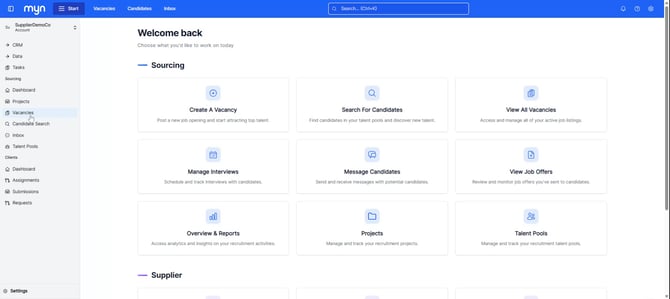
In this example, the vacancy is the “Marketing Professional” role.
Step 2: Copy and Share the Application Link
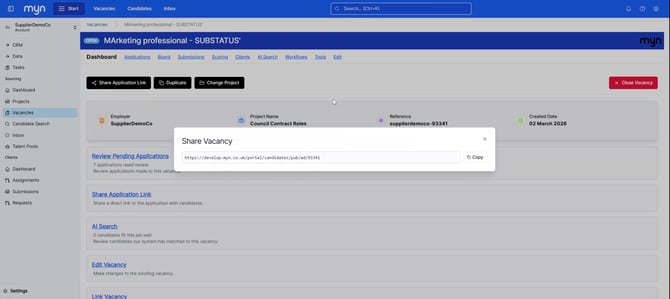
On the vacancy dashboard, locate the Share Application Link option.
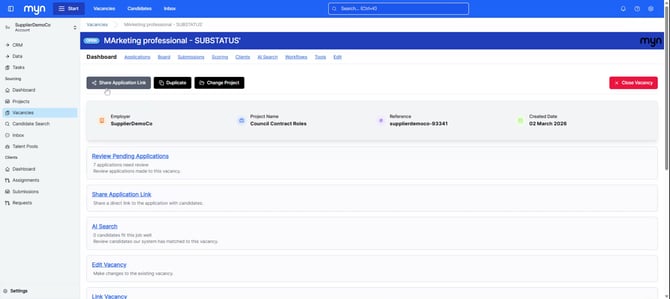
Click it to generate and copy the application link.
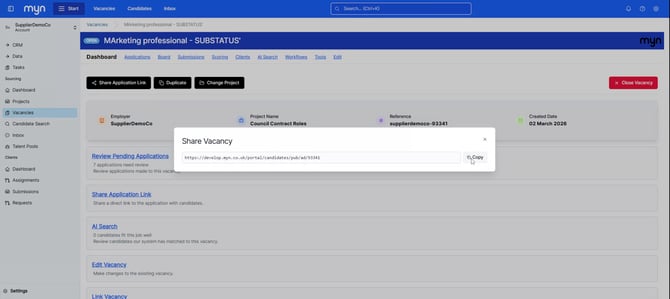
You can now send this link to the candidate via email, LinkedIn InMail, or any other communication channel you use. When the candidate opens the link, they can quickly apply directly to this vacancy.
Step 3: Open the Applications Page for Manual Entry
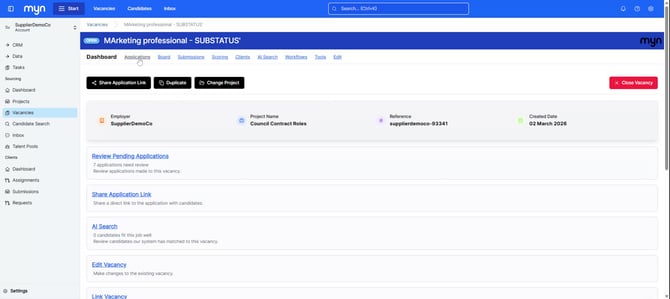
If a candidate prefers that you submit an application on their behalf, or you want to add them to the system yourself, first navigate back to the same vacancy, then open the Applications page.
Step 4: Start a New Application
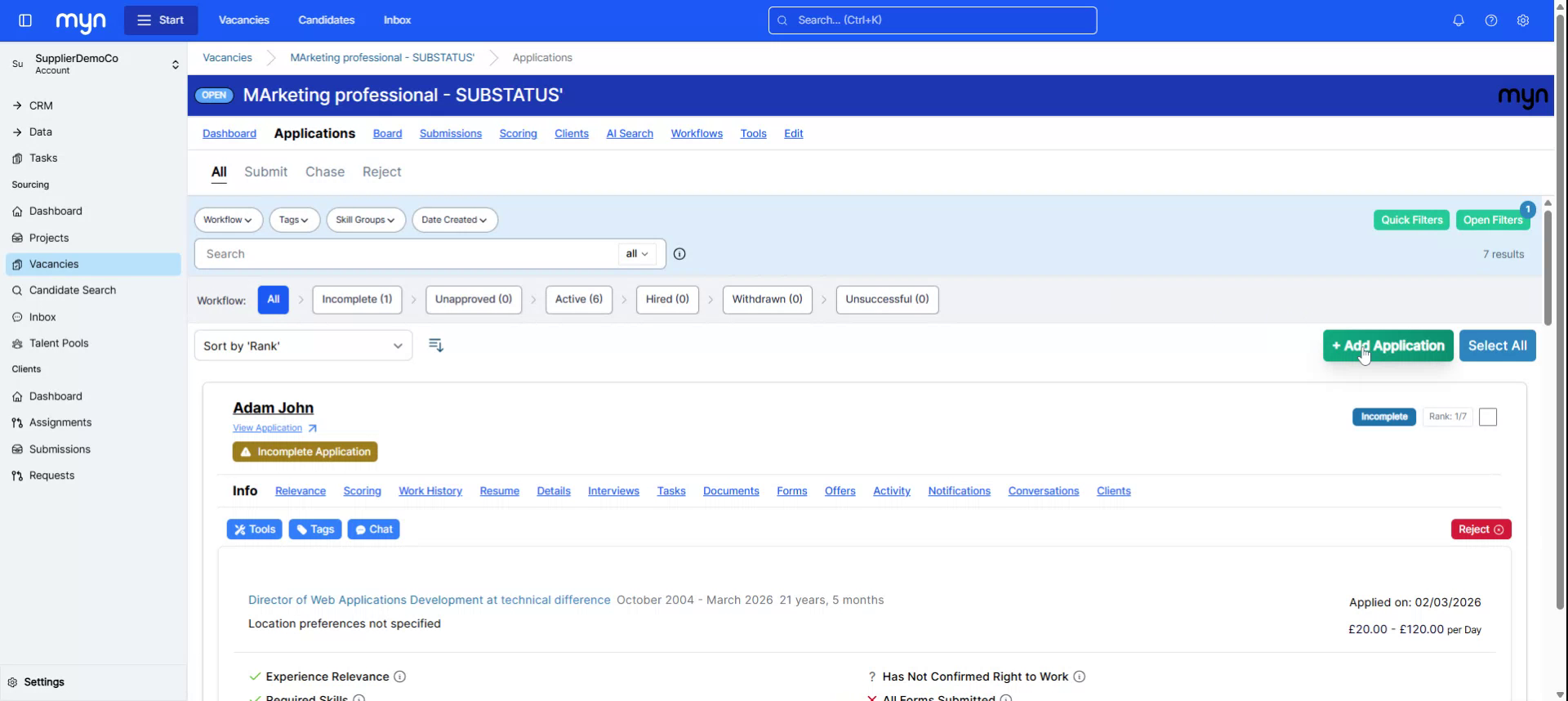
On the Applications page, click the Add Application button to begin creating a new application record.
Step 5: Enter Candidate Details and Submit
Fill in the candidate’s information, including their email address, first name, last name, phone number (if available), and upload their resume.
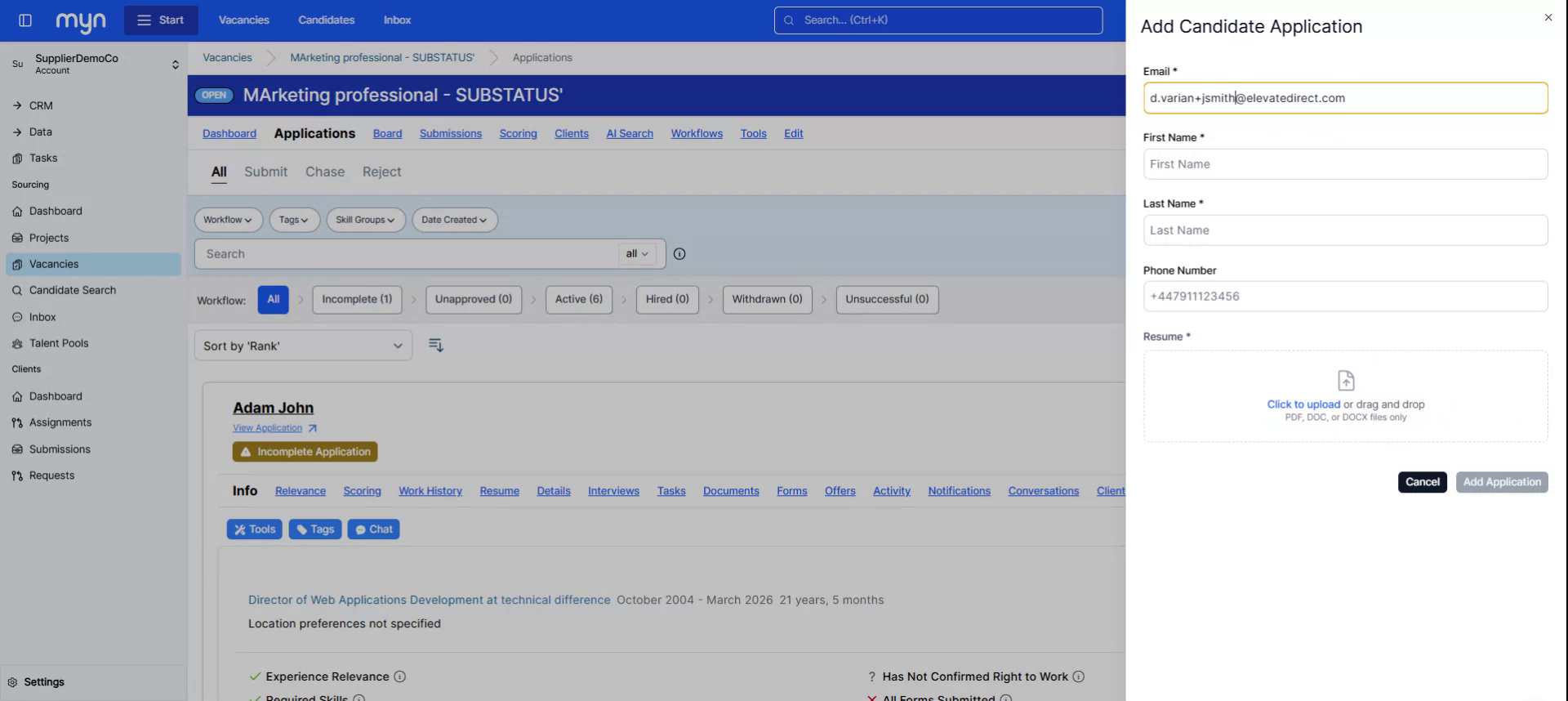
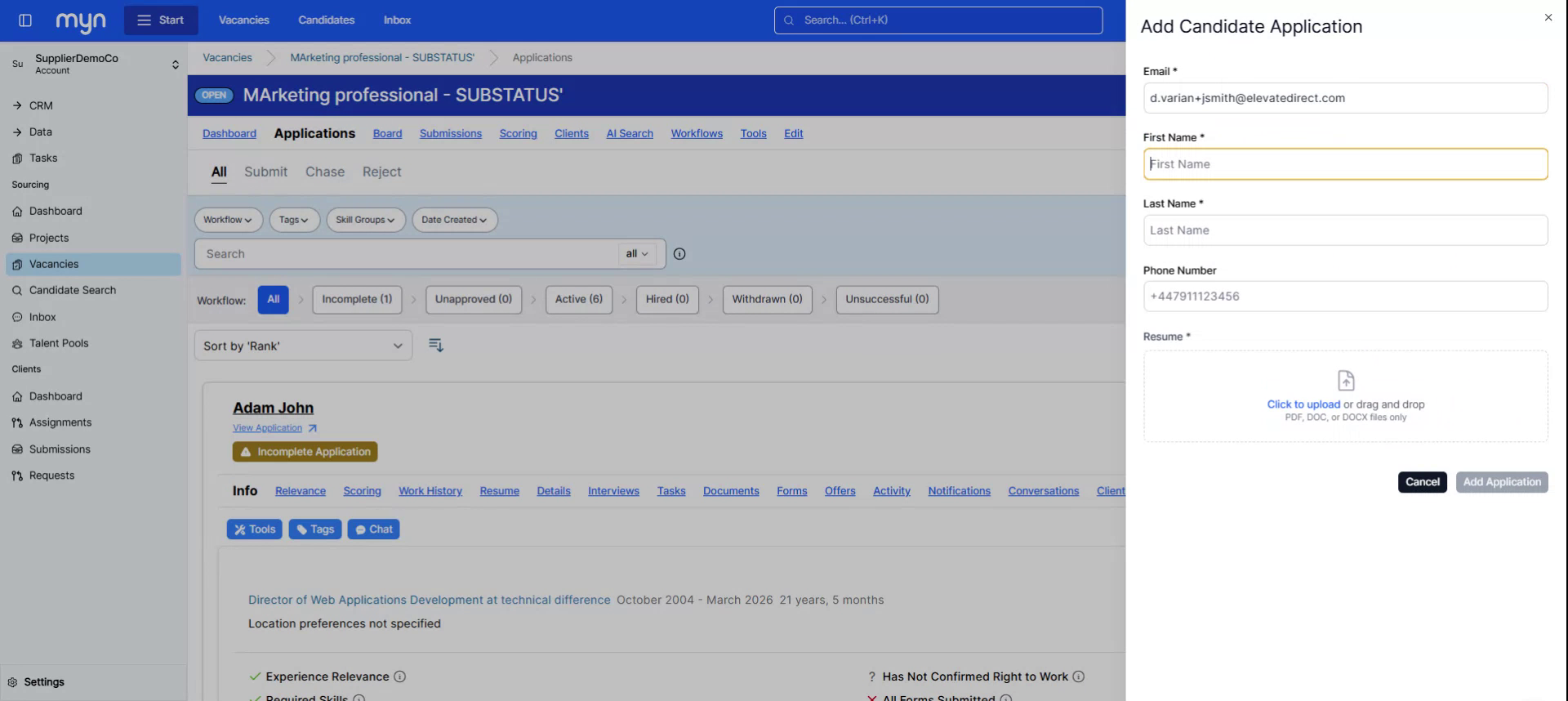
Once all required details are entered, click Add Application to complete the process.
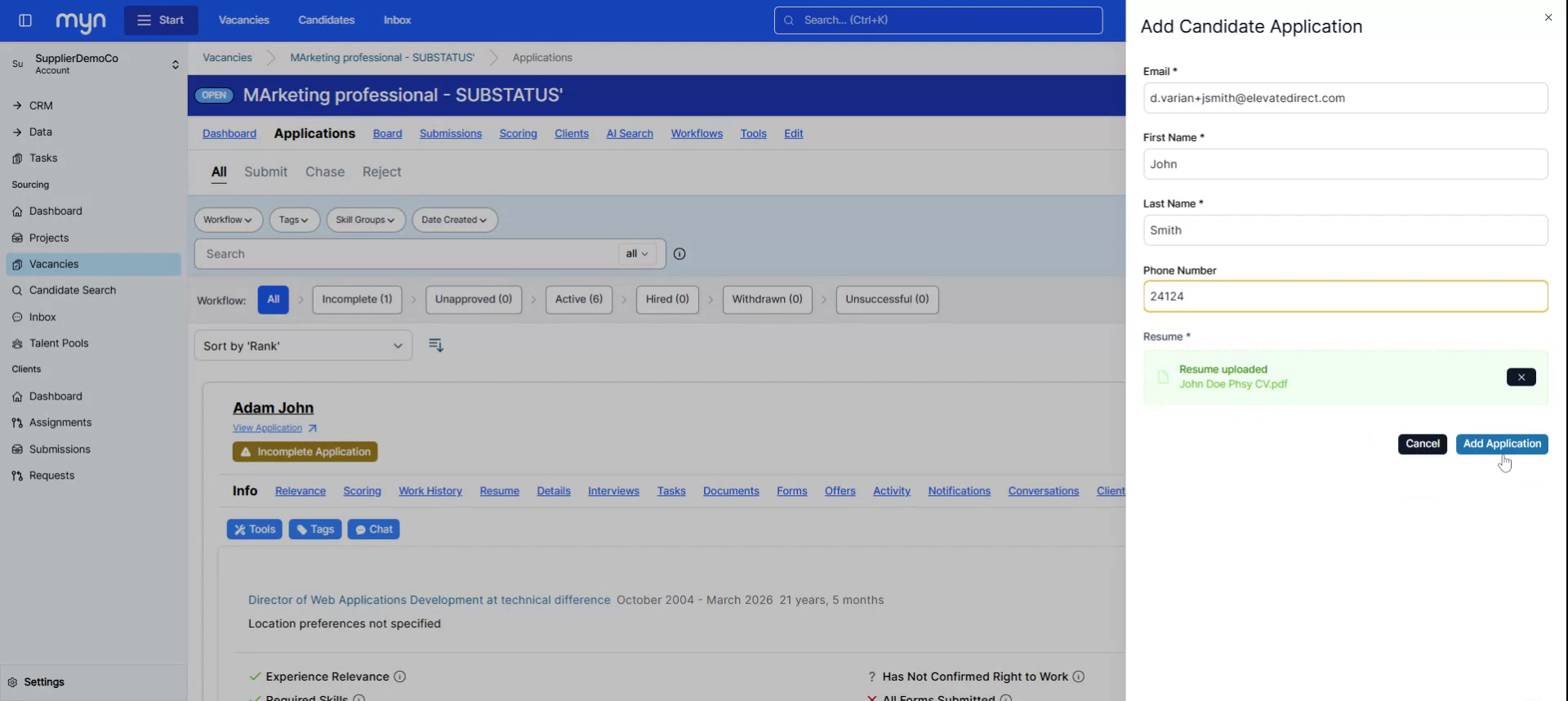
The candidate will now be added to the Myn portal and associated with the selected vacancy.