
Step 1: Open the Relevant Vacancy
Navigate to the vacancy you want to open to your network.
In this example, the vacancy is a Java development role.
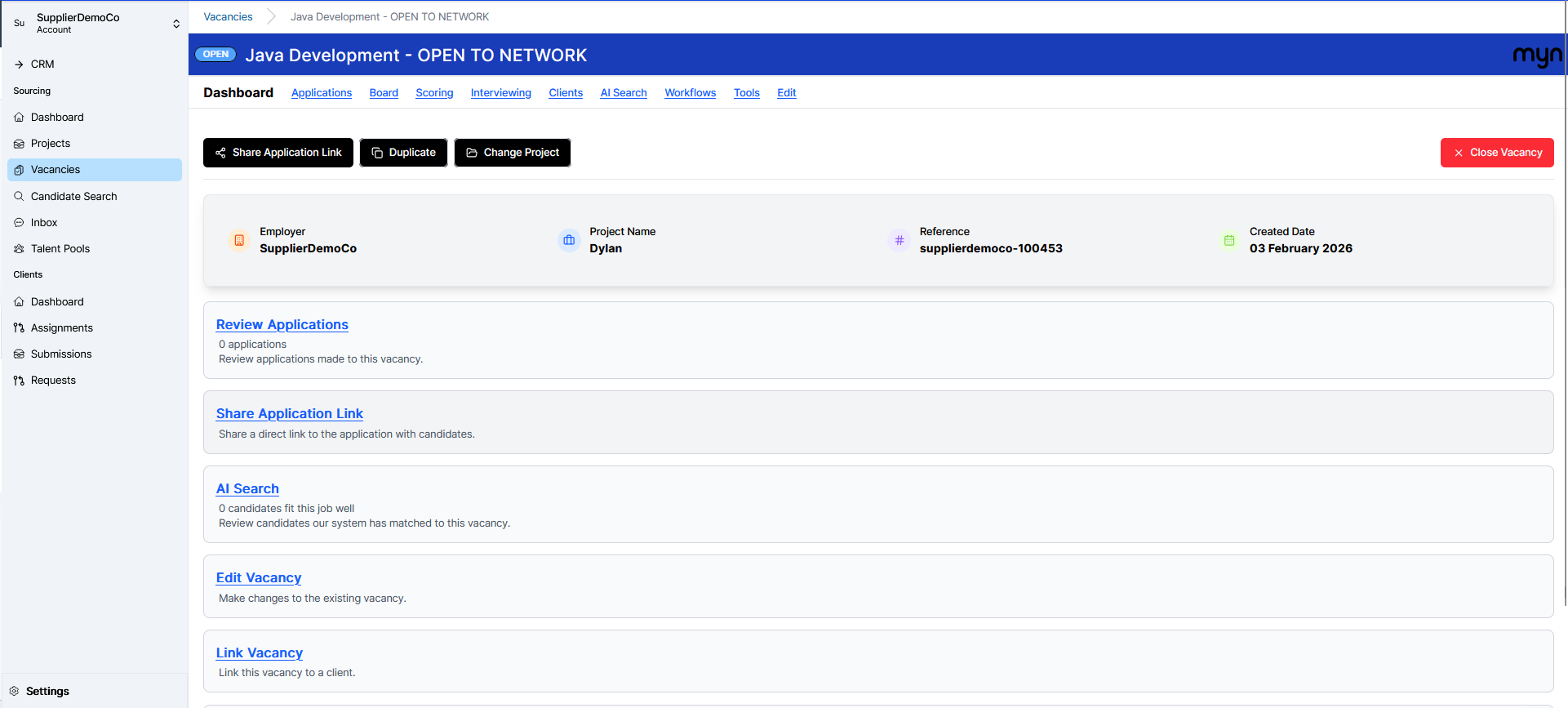
Ensure the vacancy is already linked to the client you are supplying candidates for.
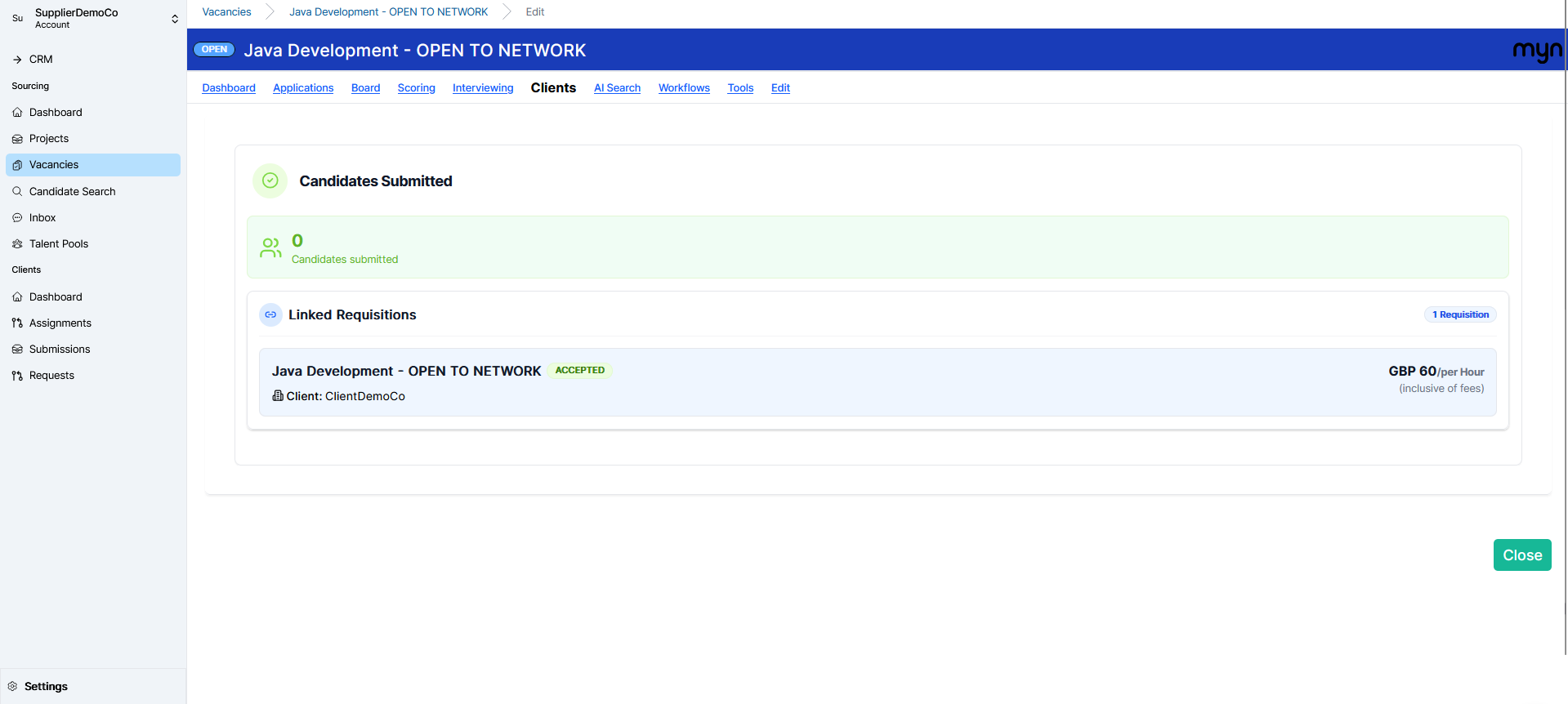
Confirm the vacancy is live and open on the system, and that it is linked to the correct client.
Step 2: Go to the Assignment Linked to the Client
From the vacancy, go to the Assignments section on the left-hand side of the screen.
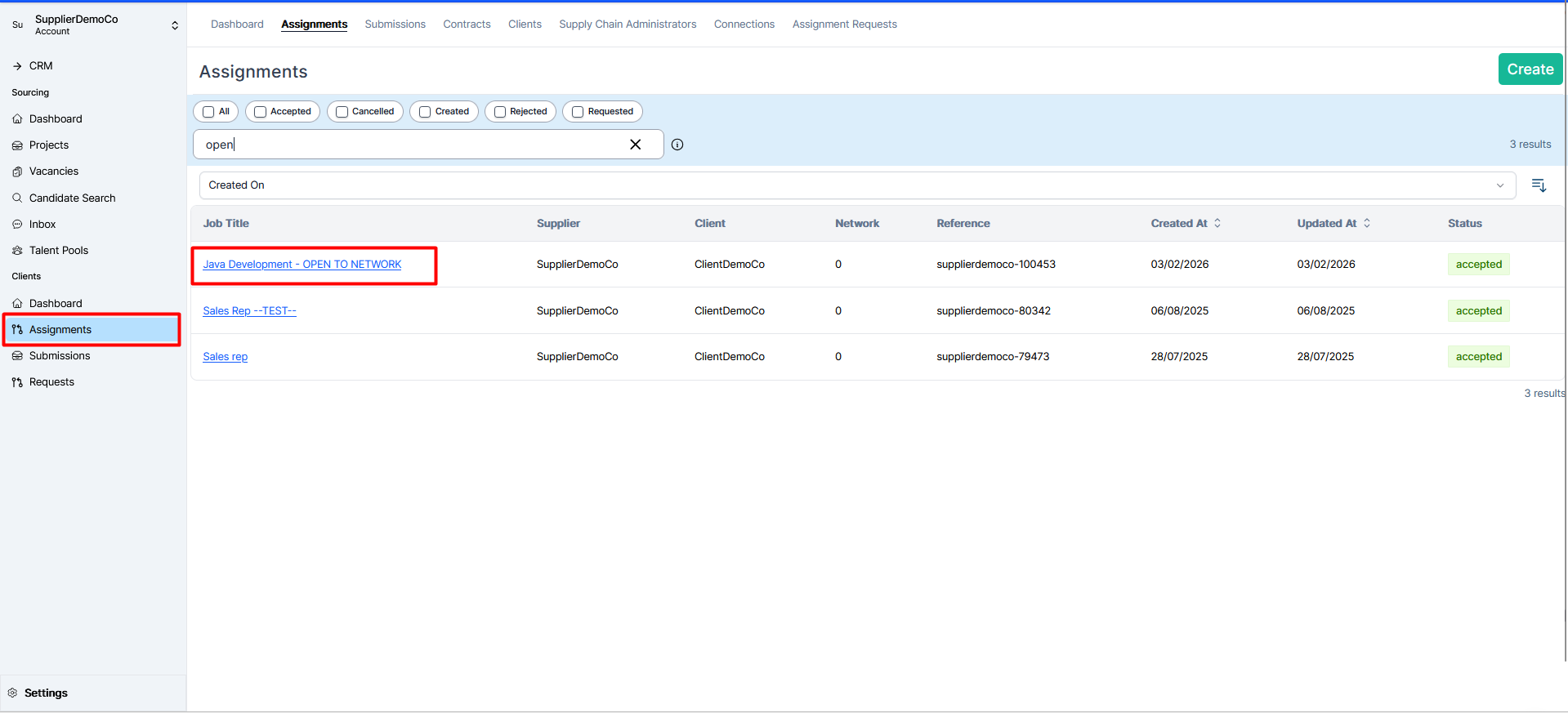
Locate and click on the assignment that has been created between you and your client.
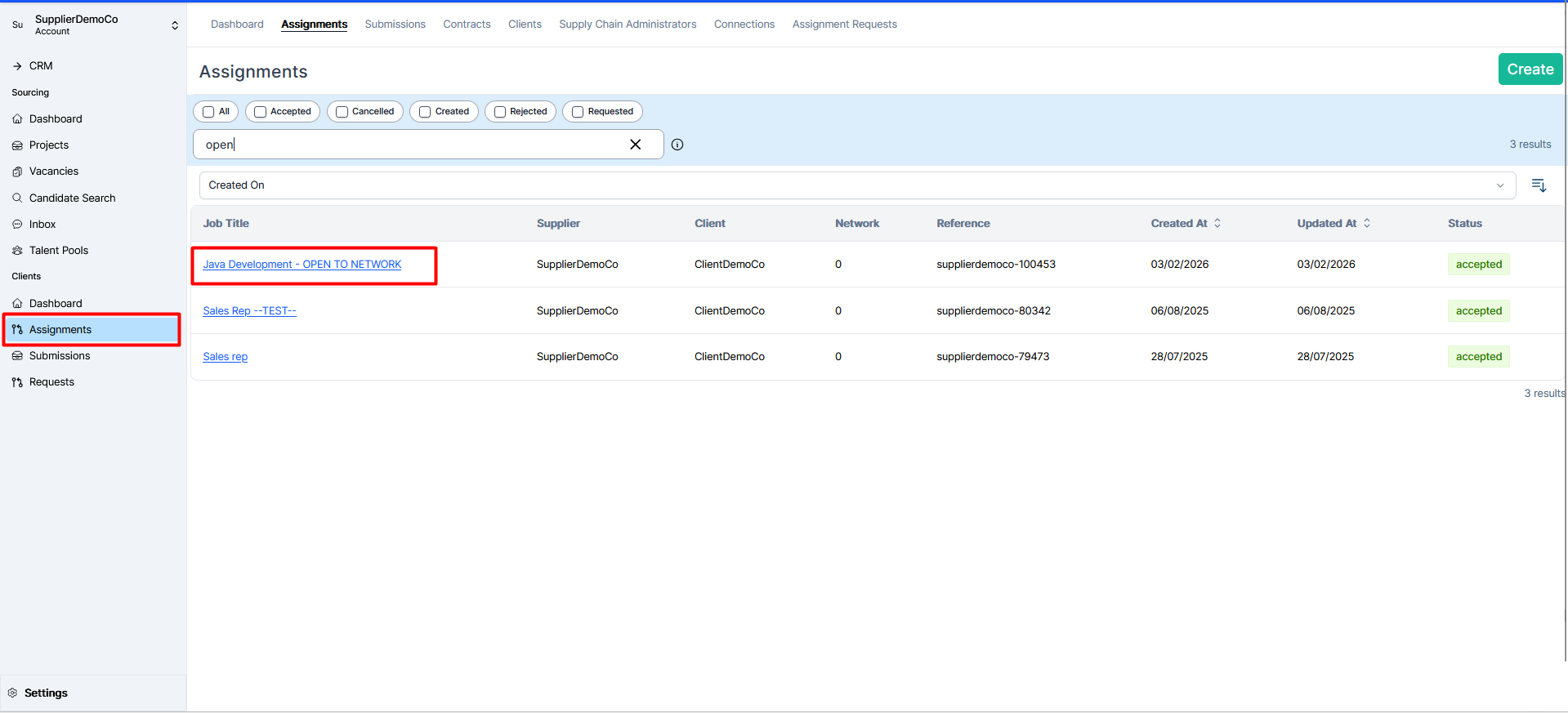
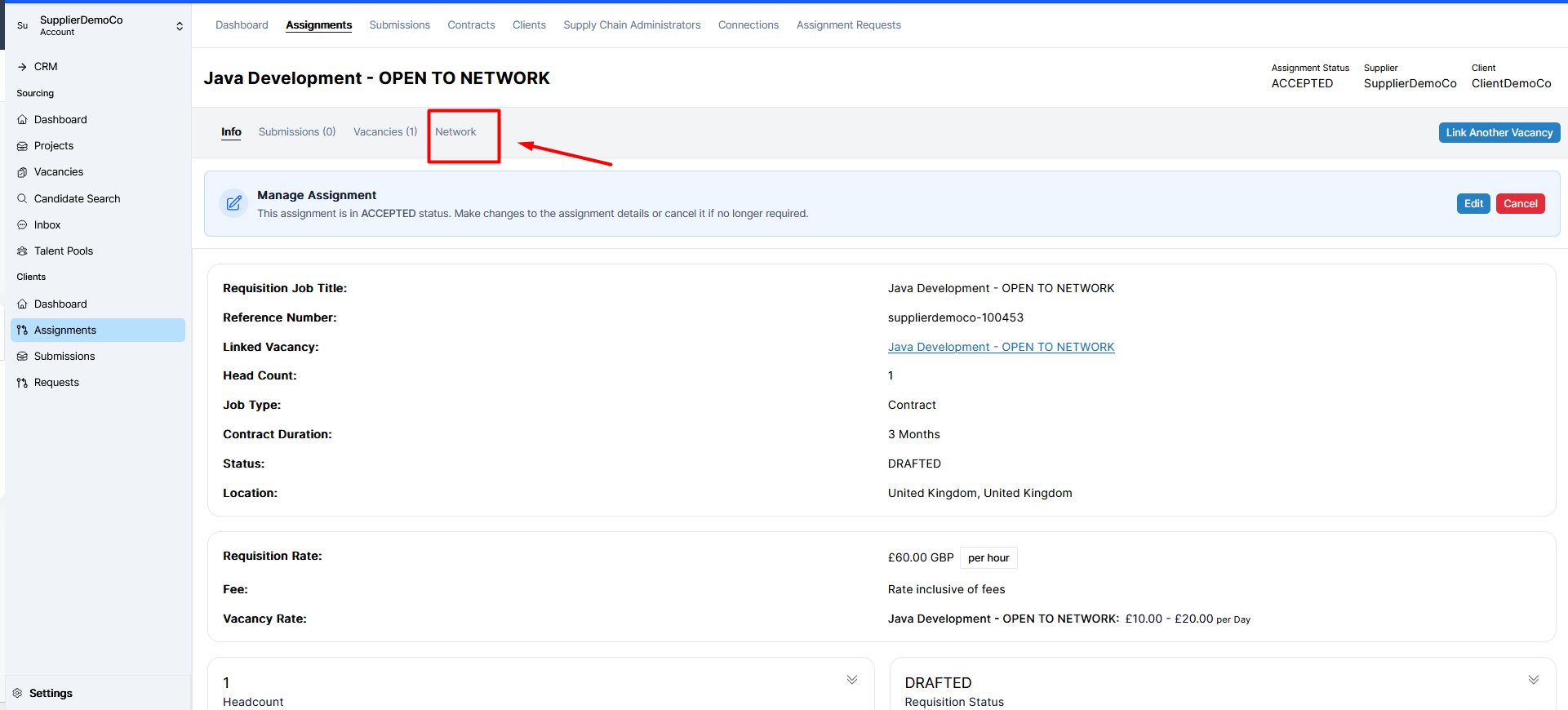
Step 3: Access the Network Tab
Within the selected assignment, open the Network tab located above the assignment details.
Step 4: Open the Requisition to Your Network
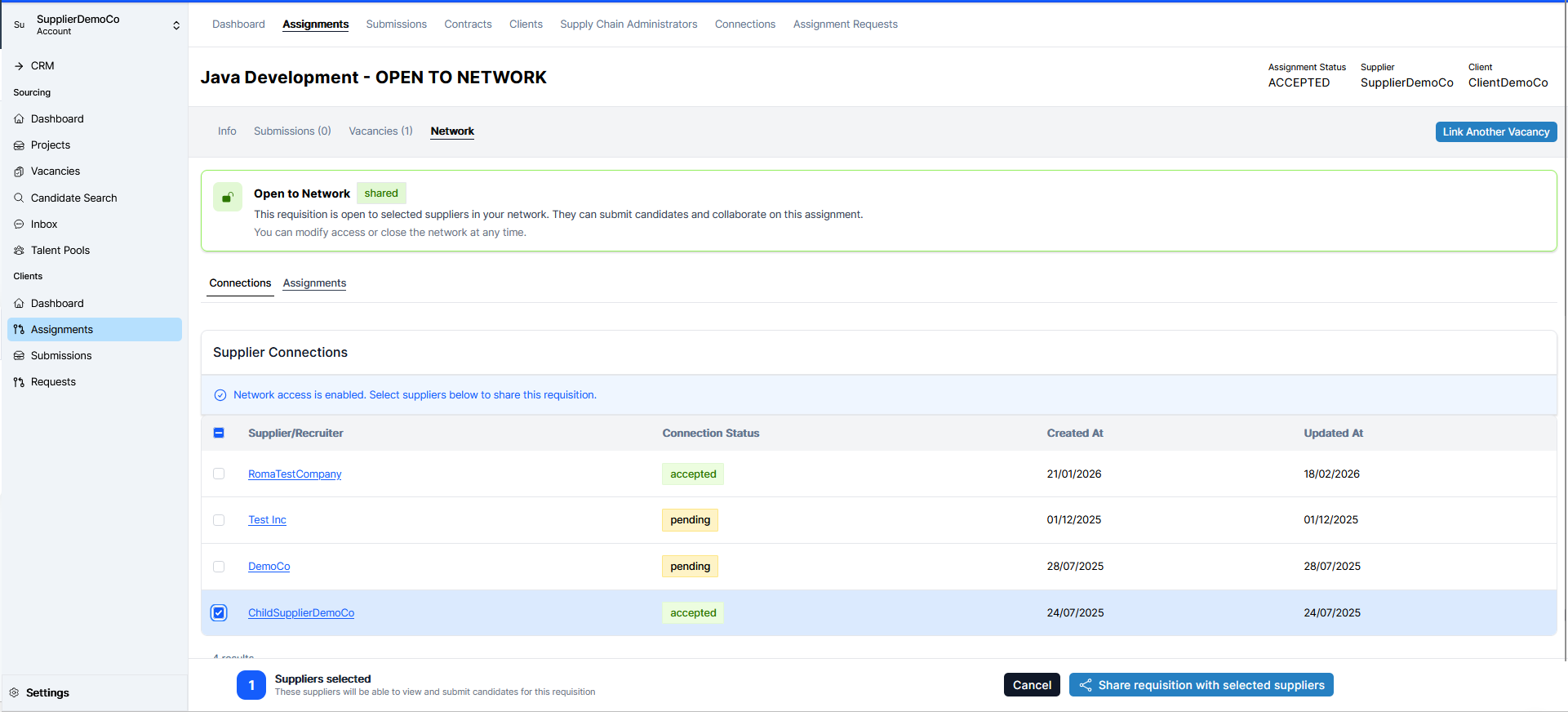
From the Network tab, open the requisition to your network by clicking the option to open it.
From your list of existing partner suppliers that you are already linked with, select the partner(s) you want to share this requisition with (for example, “Democo” or “Child Supplier”).
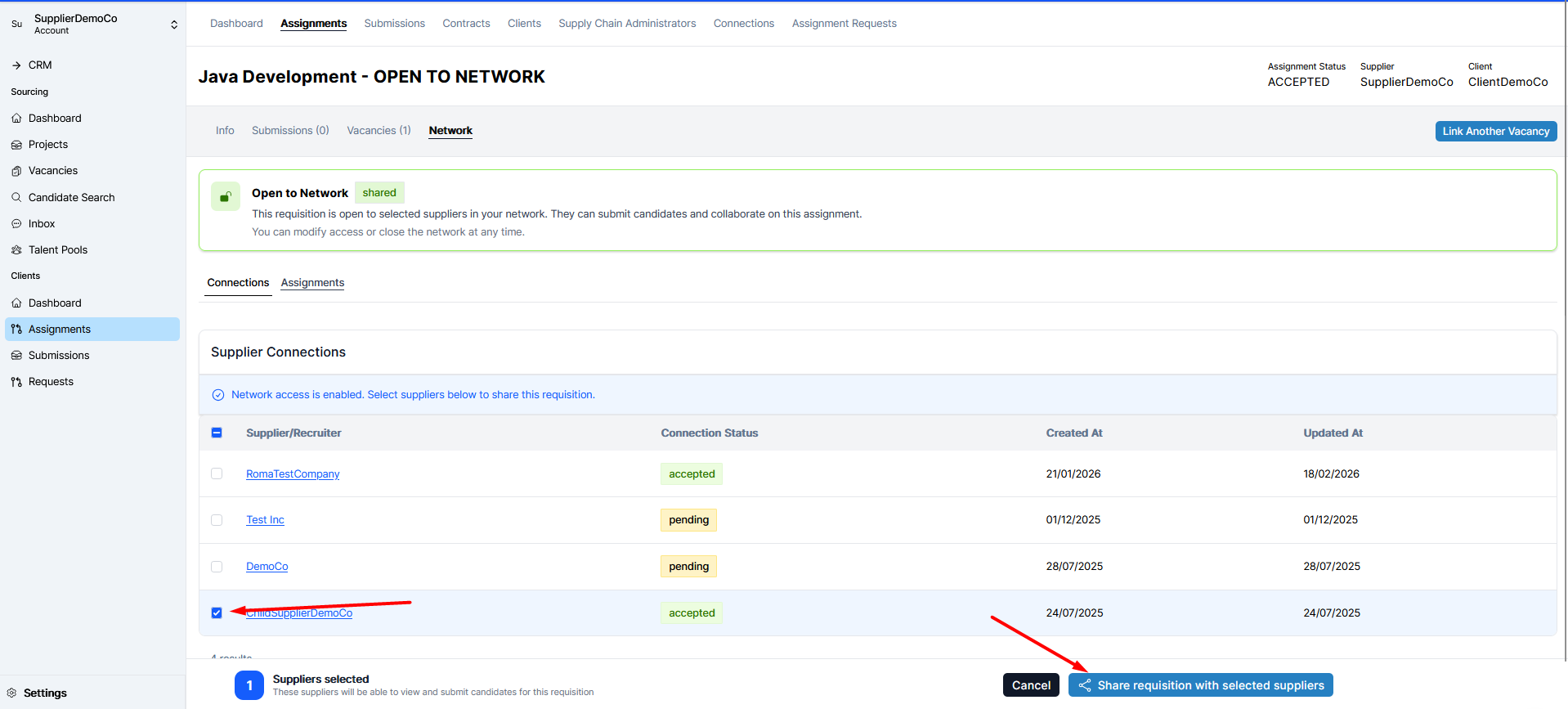
Step 5: Share the Requisition with Selected Suppliers
After selecting the partner (e.g., “Child Supplier”), choose to share the requisition with that partner by clicking the Share Requisition with Selected Suppliers button.
Step 6: Configure Fee Split and Confirm Sharing
Set the split fee for this requisition:
- Specify your agency fee (the amount or percentage your agency will receive).
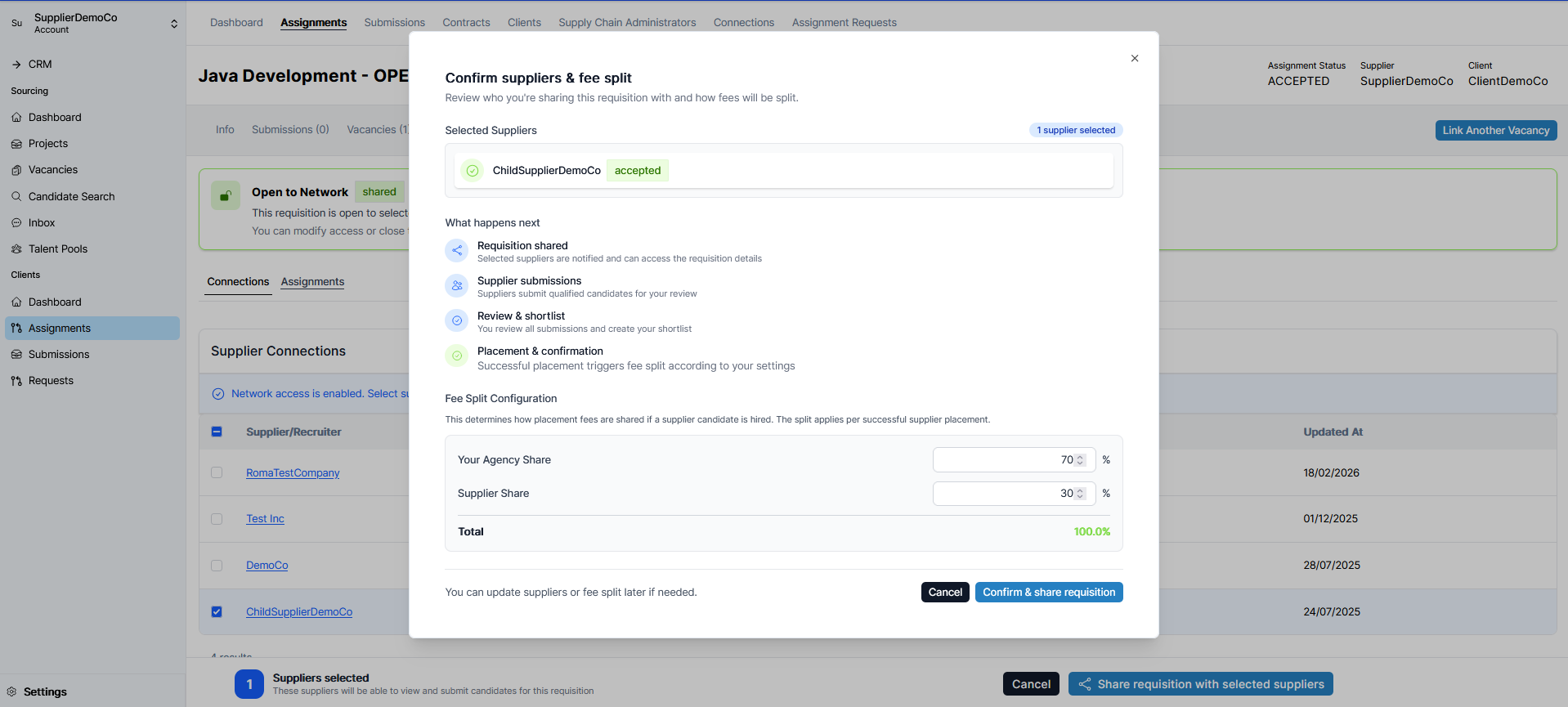
- Specify the percentage you want to allocate to your supplier.
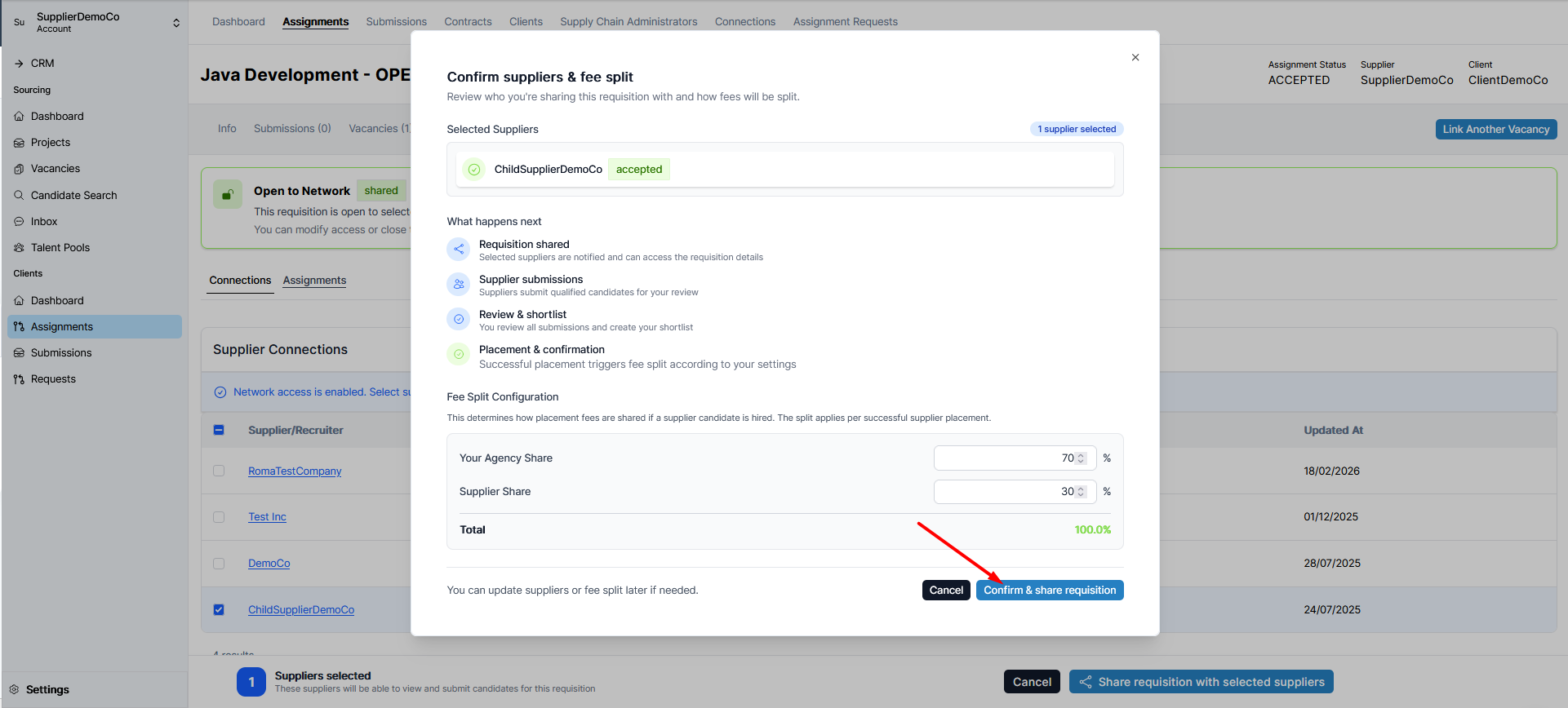
Once you are satisfied with the fee split and partner selection, confirm and share the requisition.
The requisition is now open to the selected partner. They will receive a notification to accept the request, and once accepted, they can begin submitting candidates to you for this vacancy.